Zenvlo EngageEcommerce suite
Recover carts. Update every order. On WhatsApp.
Connect your Shopify store and Zenvlo messages your customers when they leave a cart behind, and at every step of their order after they buy.
For Shopify stores
Your customers are already on WhatsApp. Meet them there, with the right message at the right moment.

Zero markup on messaging
Pay Meta directly. We add nothing on top.
Your WhatsApp number lives in your own Meta business account, and Meta bills message charges to you at Meta's own rates. Zenvlo never resells messages and never takes a margin. You pay Zenvlo only for the software.
How it works
Live in three steps.
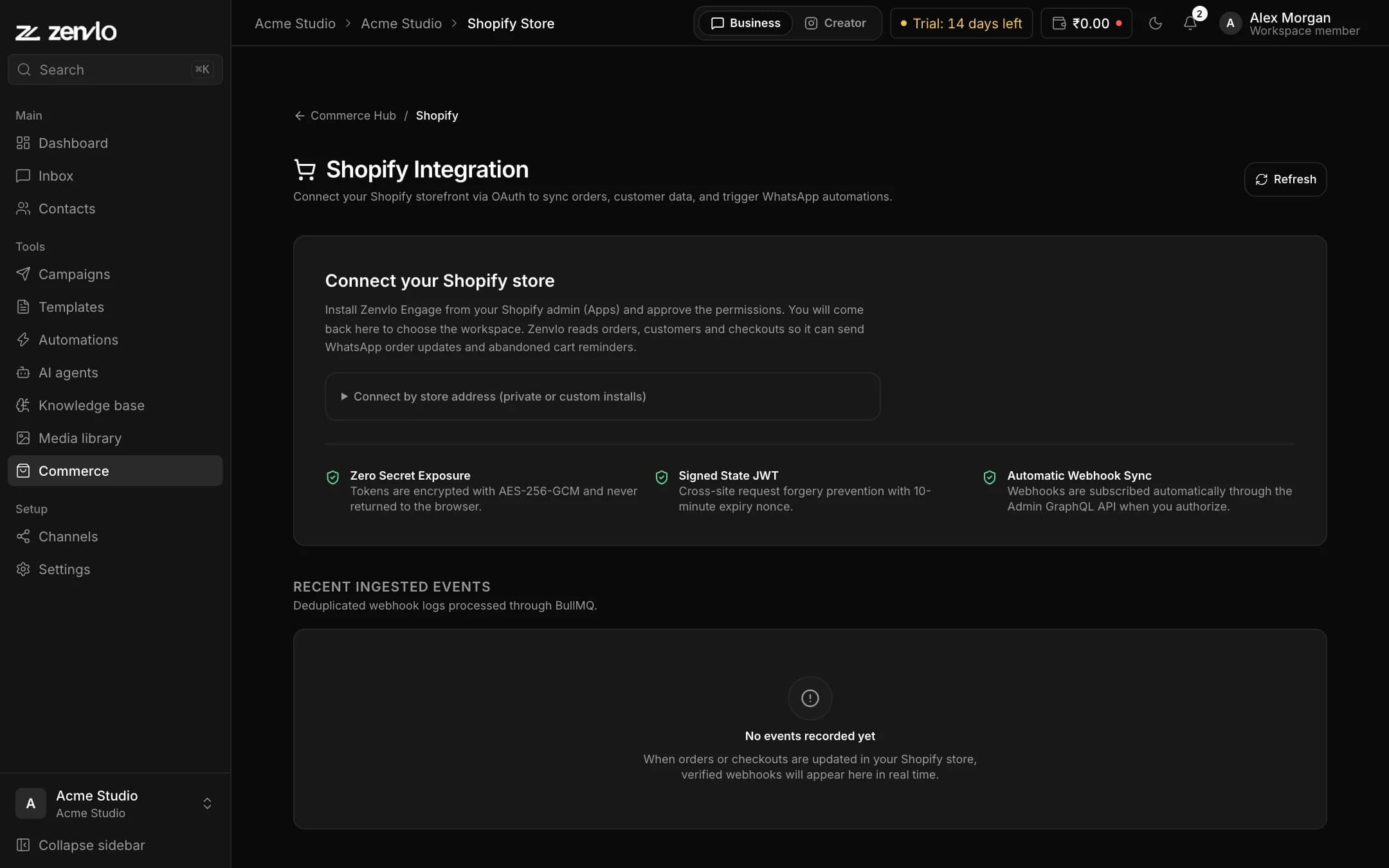
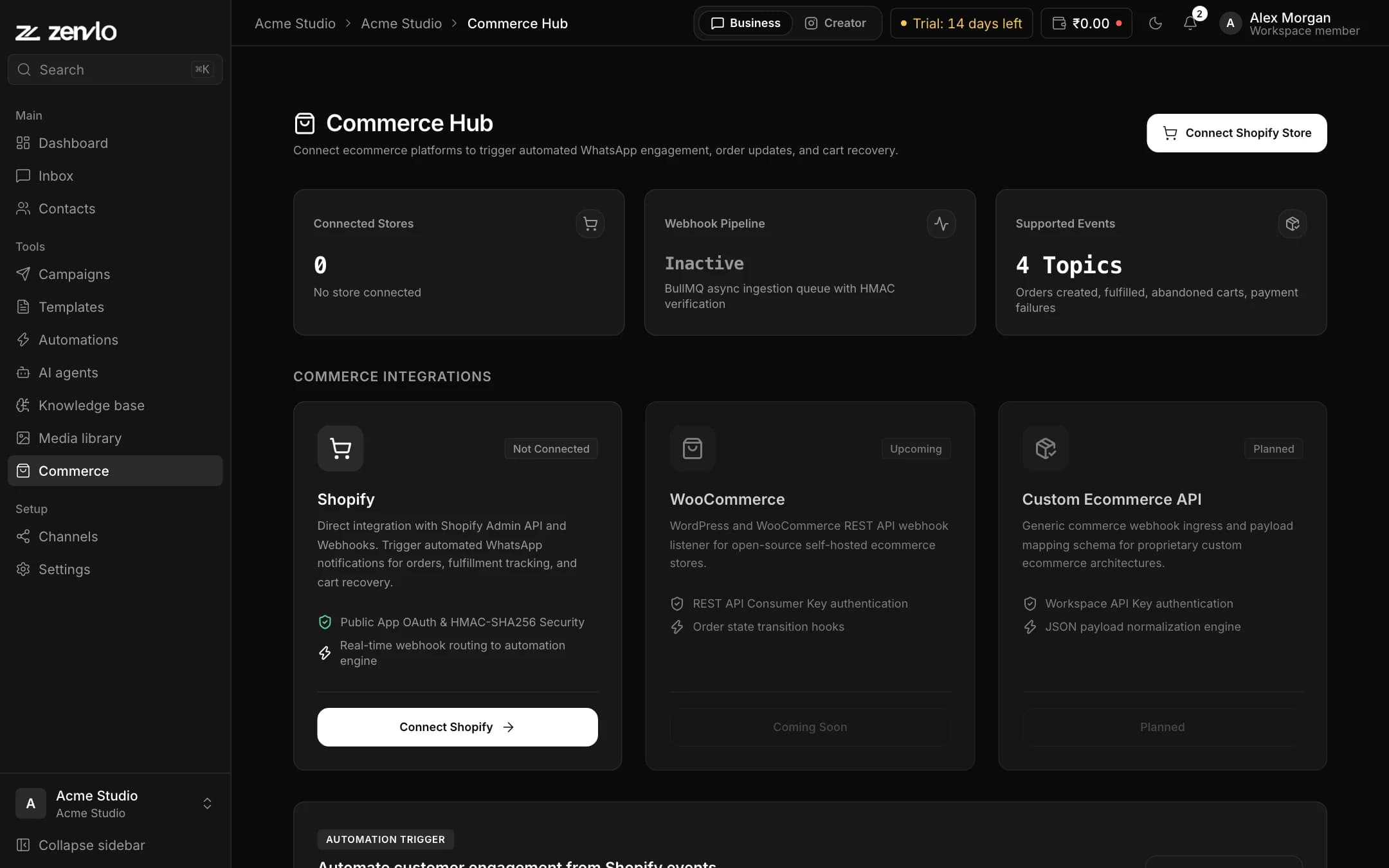
Connect your store
Sign in with Shopify and approve access. It takes a minute.
Pick your messages
Choose which events send a message, and edit the wording.
Customers hear from you
Zenvlo sends on WhatsApp and routes the replies to your team.
Abandoned carts
Bring back the shoppers who left.
When someone starts a checkout on your store and does not finish, Zenvlo waits (one hour by default) and sends a WhatsApp reminder from the ready-made Abandoned Cart Recovery playbook. By default it goes only to customers who agreed to marketing at checkout.
- Starts from Shopify checkout events
- Sent only to customers who opted in, unless you choose otherwise
- Ready-made playbook, edit the wording
Order updates
Tell customers where their order is.
Order confirmation, shipping updates, payment-failed recovery and cash-on-delivery confirmation go out on WhatsApp from ready-made playbooks, so your team answers fewer "where is my order?" messages.
- Order confirmation and shipped notices
- Payment-failed and COD confirmation
- Review requests and win-back campaigns
Support and campaigns
Then keep talking to them.
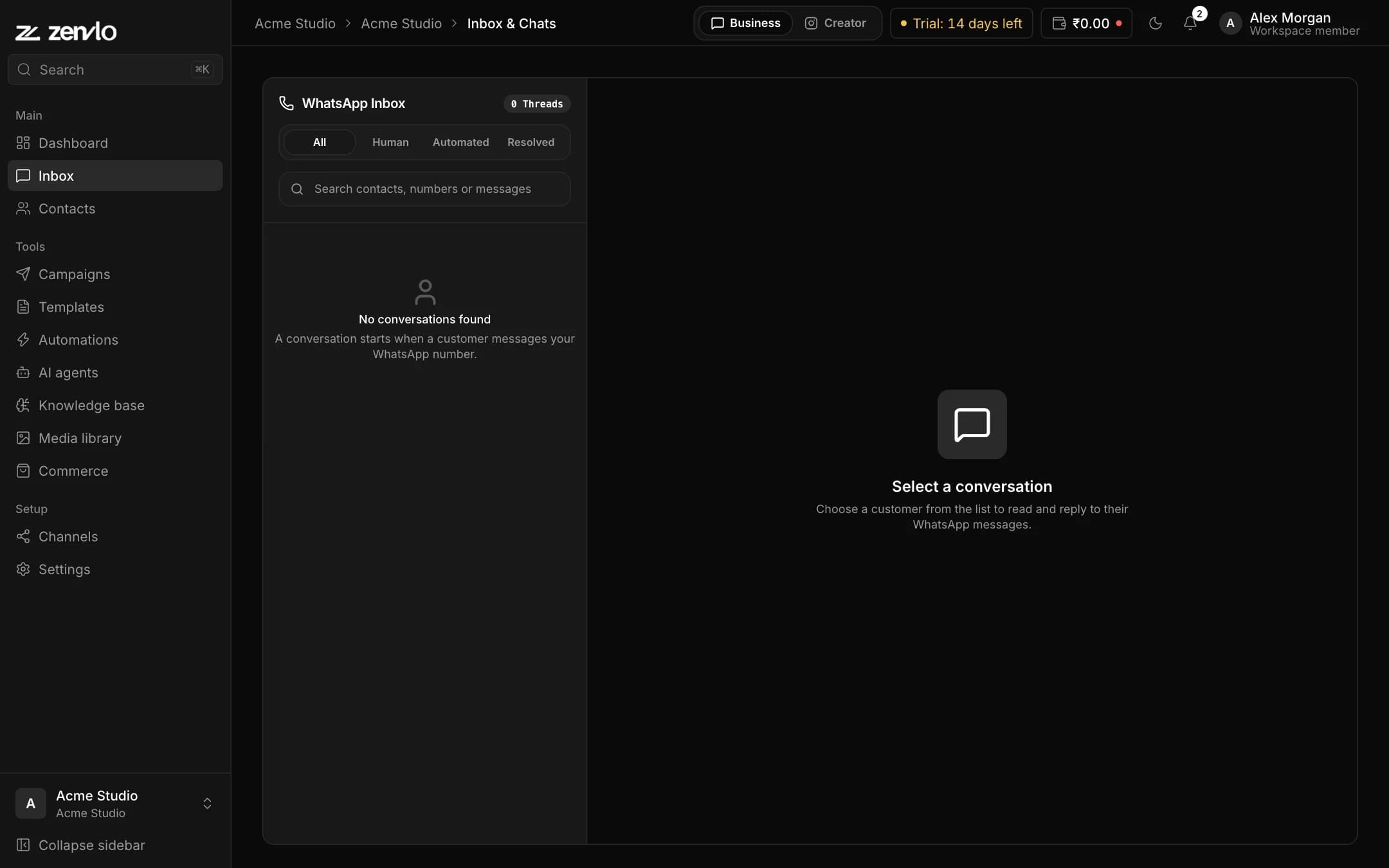
Replies land in the same inbox as every other chat. Answer them yourself, or let an AI agent answer from your own return, shipping and product pages. Send a campaign when a new collection arrives.
- One inbox for the whole team
- AI agent trained on your help pages
- Broadcast campaigns to chosen contacts
Questions
Questions from store owners.
Which platforms do you support?
The ecommerce suite works with Shopify stores today.
Do I pay for each WhatsApp message?
Meta charges for template messages and bills you directly at its own rates. Zenvlo adds no markup. You pay Zenvlo only for the software plan.
Do customers need to opt in?
Yes. WhatsApp requires customers to agree to receive messages, and Meta only allows approved templates for business-started chats. Zenvlo is built around those rules.
Can I edit the messages?
Yes. You choose which events send a message and edit the wording. Meta reviews the templates before they can be used.
What happens if the customer replies?
The reply lands in your shared team inbox, where a person or an AI agent can answer.
Who receives the cart reminder?
By default only customers who agreed to marketing at checkout. You can switch on reminders for everyone if you already have their permission to message them on WhatsApp.
Is there a step-by-step guide?
Yes. Open Guides in the top menu, then Zenvlo Engage, then Connect Shopify for the full setup.
Turn every cart and order into a conversation.
Start with Zenvlo Engage free and connect your Shopify store.