Zenvlo Engage guide
Use the inbox
Answer WhatsApp and Instagram chats in one place, take over from the AI, and handle the 24-hour window.
Open Inbox in the sidebar (Inbox & Chats). It shows the WhatsApp Inbox in Business mode and the Instagram Inbox in Creator mode. Use the search box to find a contact, number or message.
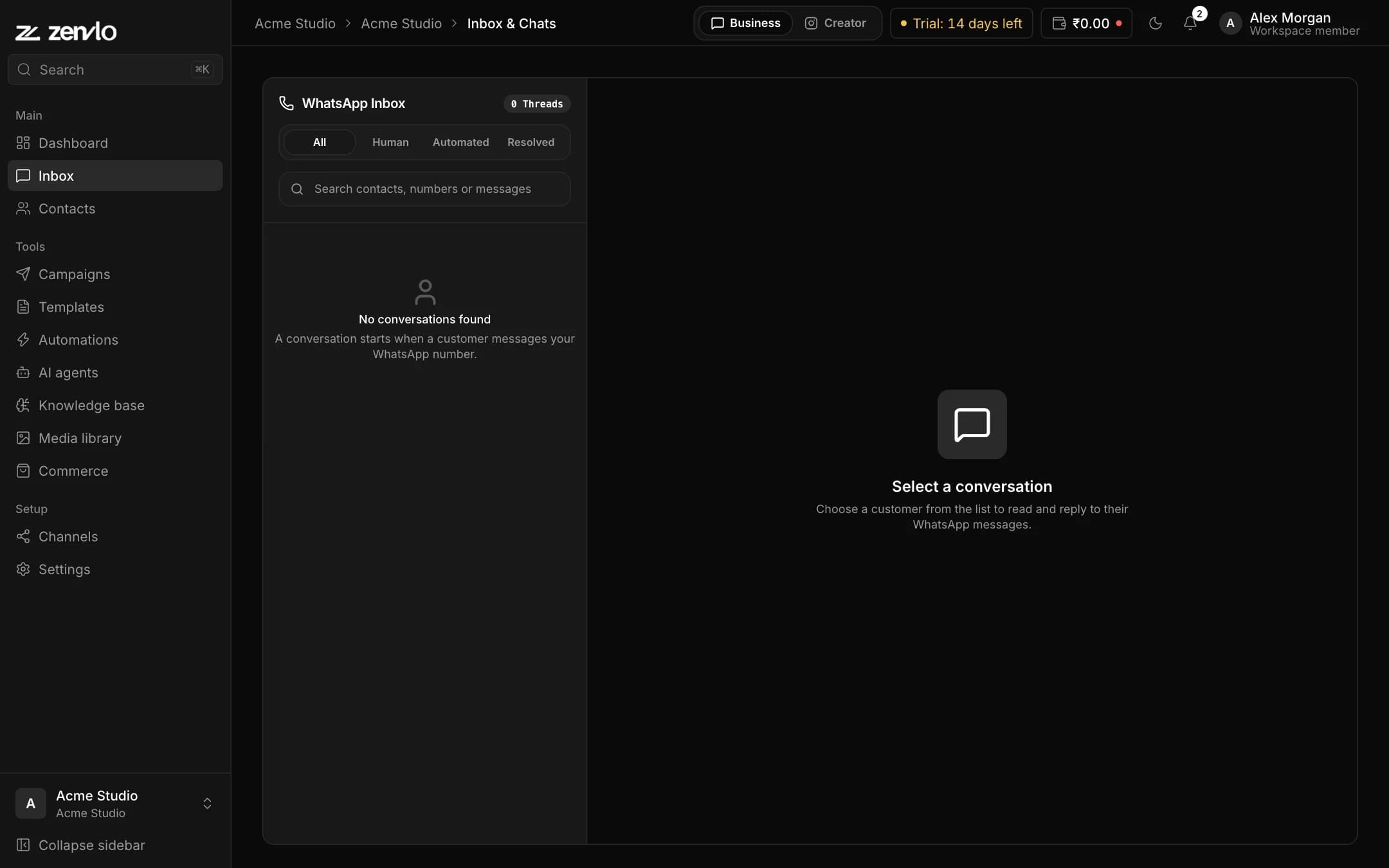
Filter your chats
- All: every chat.
- Human: chats a person is handling.
- Automated: chats the AI or an automation is handling.
- Resolved: finished chats.
Take over, hand back, resolve
- Take over pauses automations and the AI so you can reply yourself.
- Hand back to AI lets the AI continue.
- Resolve closes the chat. Reopen brings it back.
- Contact Info shows details and Audience Tags. Use Add Tag to label a person, for example VIP.
The 24-hour window (WhatsApp)
WhatsApp lets you send free-form messages only for 24 hours after the customer last wrote to you.
- While it is open the banner says 24-Hour Customer Care Window active. Type freely.
- After it closes the banner says 24h Care Window Closed and you must use an approved template. Press Choose Template.
- Type
/in the message box to open Pre-Approved Templates and pick one.
Stuck? Talk to us and a real person will help.