Zenvlo Engage guide
Instagram comment-to-DM
Reply to comments, story replies and mentions with a DM, add buttons and follow-up steps, and run giveaways.
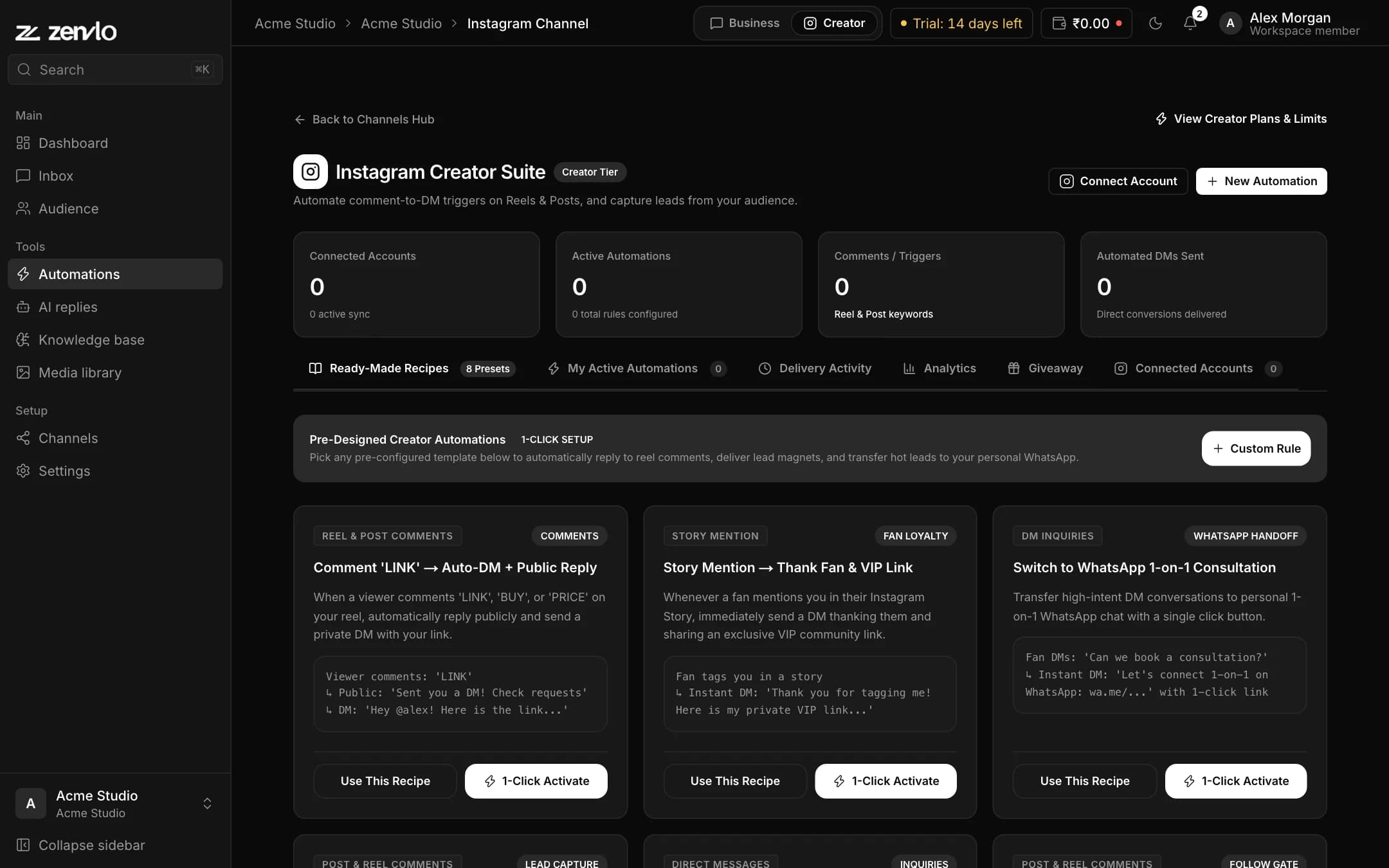
Everything happens on one page in Creator mode, Channels, then Instagram. It has six tabs: Ready-Made Recipes, My Active Automations, Delivery Activity, Analytics, Giveaway and Connected Accounts.
Create an automation
- 1Press New Automation, or start from a Ready-Made Recipe such as Comment "LINK", Free Guide, Follow to Unlock the Link or Collect Email Addresses.
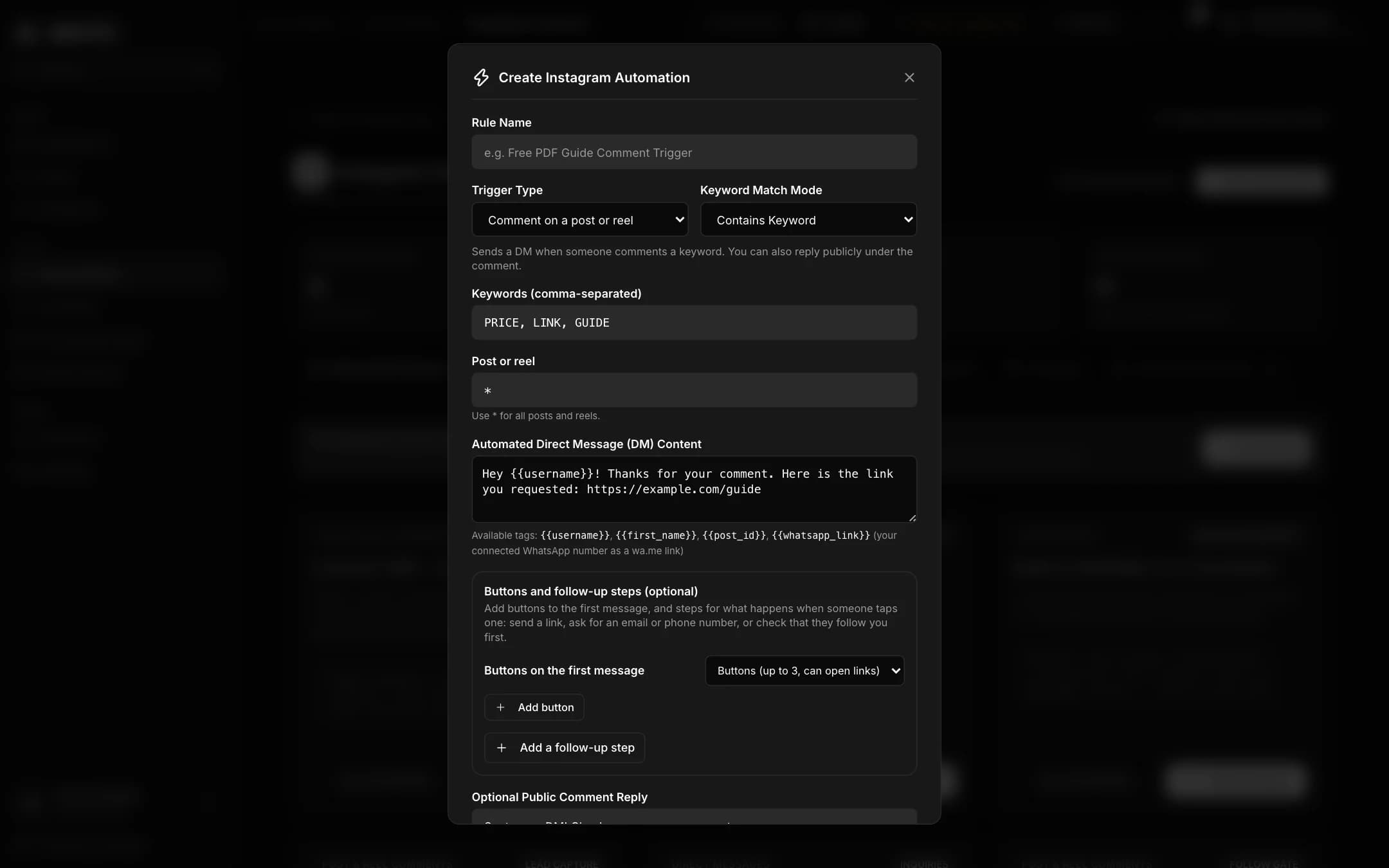
- 2Name the Rule.
- 3Choose the Trigger Type: a comment on a post or reel, a keyword in a direct message, a reply to your story, a mention of you in a story, or the first message from a person.
- 4For comments and messages set the keywords (for example PRICE, GUIDE, LINK) and the Keyword Match Mode: Contains Keyword, Exact Match or Any Comment / Message.
- 5For comments, choose All posts and reels or one specific post.
- 6Write the DM. You can use
{{username}},{{first_name}}and{{whatsapp_link}}. Optionally write a public reply such as "Sent you a DM!". - 7Save it. It shows under My Active Automations.
Buttons and follow-up steps
- Add up to 3 buttons of up to 20 characters. Each opens a link or goes to the next step.
- Add steps that ask the person to type an email, phone or text, then save the answer and tag the contact.
- Turn on the follow gate to ask people to follow you first. The default reminder is "Please follow us first, then tap the button below."
Test before you go live
Use the rule tester. Type a Simulated Follower Username and Simulated Comment Text. Zenvlo tells you Keyword Match Succeeded! or No Keyword Match Detected.
Run a giveaway
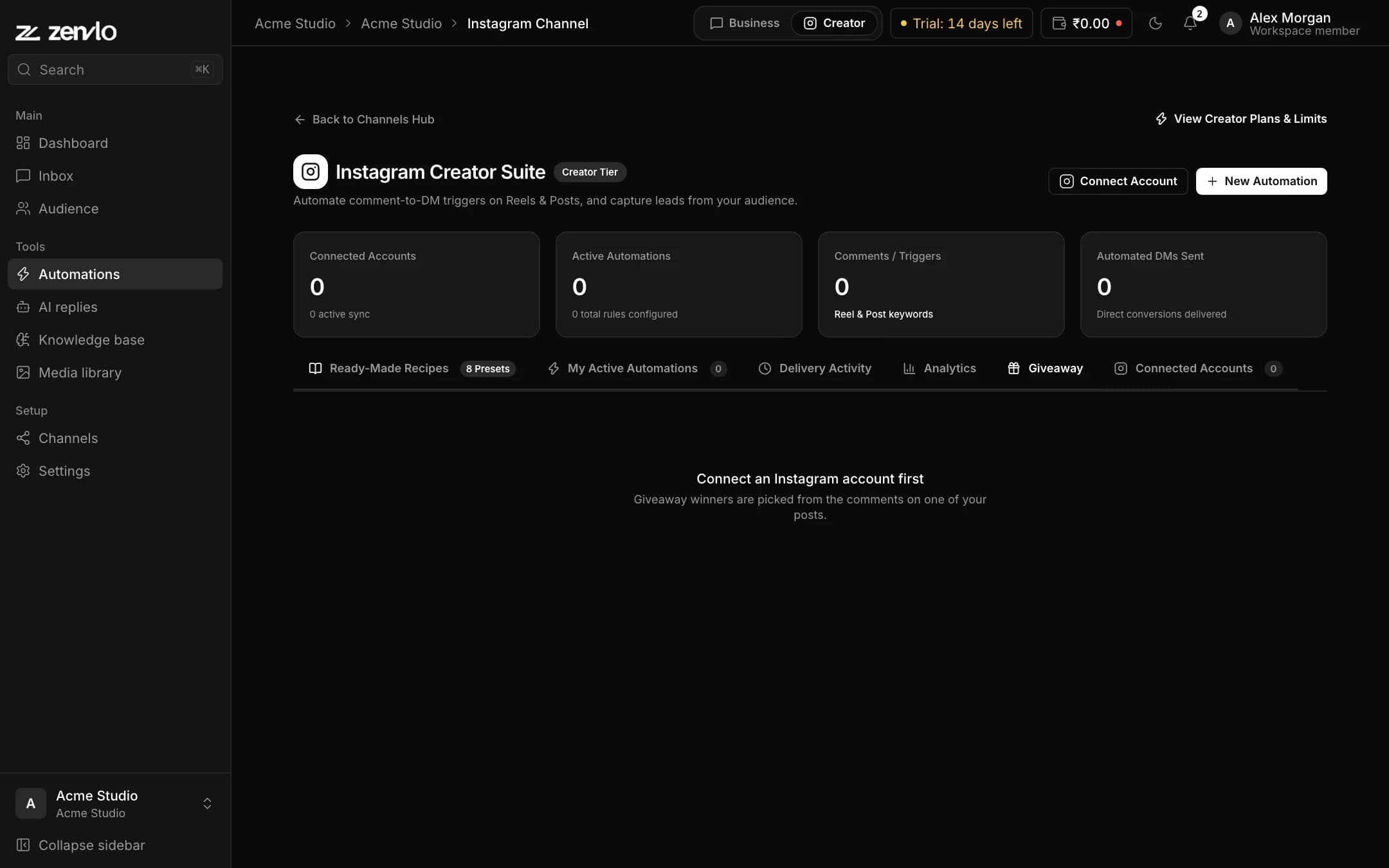
- 1Open the Giveaway tab and press Pick giveaway winners.
- 2Choose the account and the post. Add a keyword if only comments with it should count.
- 3Set the Number of winners from 1 to 20 and press Pick winners.
- 4Each person counts once and your own comments are left out. Use Draw again for a new draw, and export the result as CSV.
Learn from results
Delivery Activity shows every send with its status. Analytics shows runs per day, results by trigger and your top automations.
Stuck? Talk to us and a real person will help.