Zenvlo Engage guide
Connect Shopify (ecommerce suite)
Connect your store, switch on the ready-made playbooks and send order updates and cart reminders on WhatsApp.
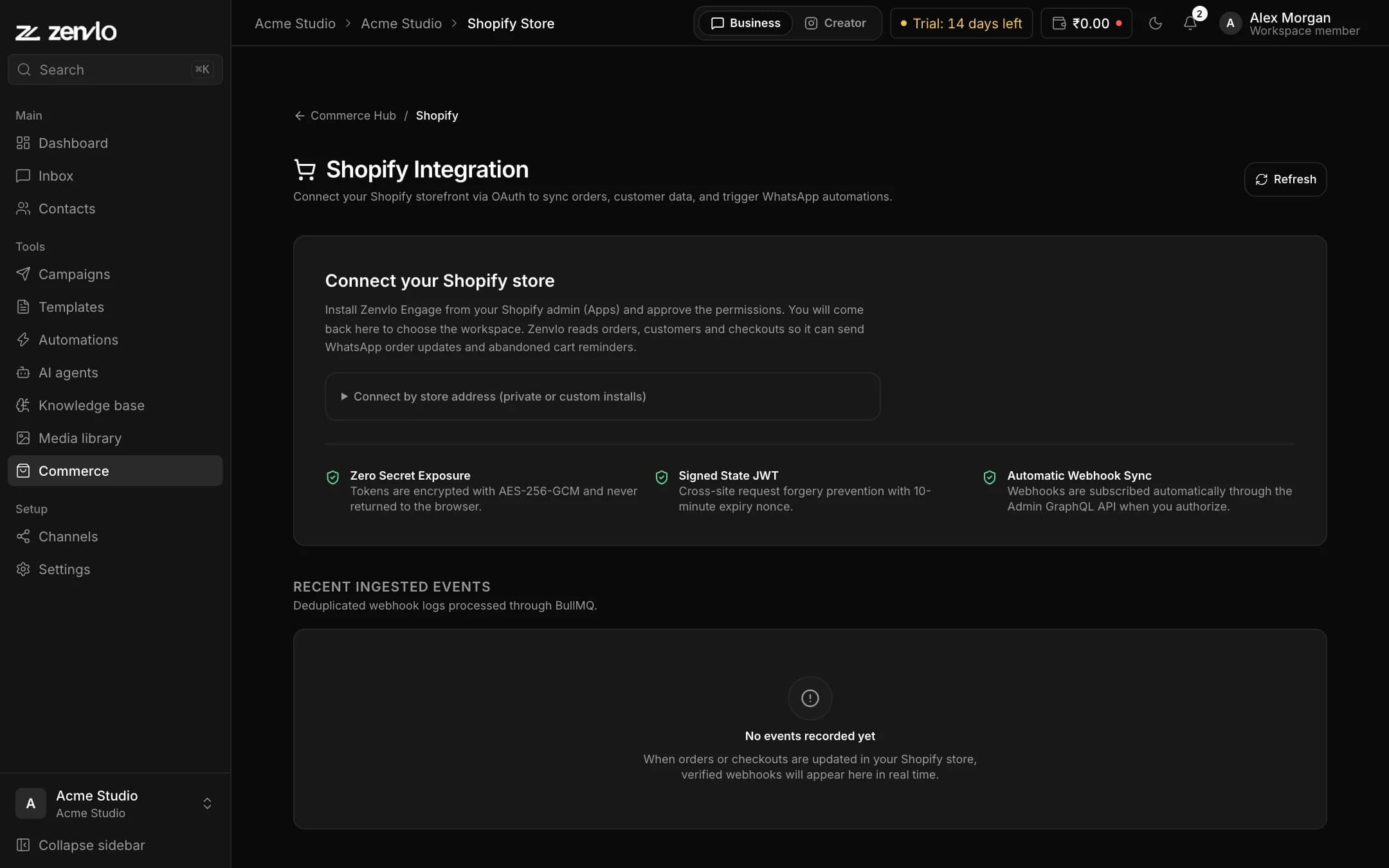
Open Commerce in the sidebar (Business mode), then Shopify. You need a connected WhatsApp number and approved templates.
Connect your store
- 1Type your store address, for example
my-brand.myshopify.com, and start the install. - 2Shopify asks you to approve access to orders, customers and checkouts (read only). Approve it.
- 3You return to Zenvlo. You will see Shopify store connected. Zenvlo subscribes to order and checkout events for you.
Nothing sends until you switch a playbook on
Connecting only brings the events in. Messages go out through Ecommerce Playbooks, which are ready-made automations. Open Automations, find the Shopify tab and activate the ones you want:
| Playbook | When it sends |
|---|---|
| Order Confirmation | A new order is placed. |
| Order Shipped Notification | An order is fulfilled. |
| Abandoned Cart Recovery | A checkout was started and not finished. |
| Payment Failed Recovery | A payment did not go through. |
| Cash on Delivery (COD) Confirmation | A COD order needs confirming. |
| Post-Purchase Review Request | After an order, to ask for a review. |
| Customer Win-Back Campaign | To bring back past customers. |
Each playbook sends an approved template, so create and approve those first. Template variables include {{commerce.order_number}}, {{commerce.order_total}}, {{commerce.currency}} and {{commerce.customer_name}}.
Abandoned carts and consent
A cart counts as abandoned after one hour by default. By default a reminder goes only to customers who agreed to marketing at checkout. The switch Abandoned cart reminders for everyone sends to all. Turn it on only if you already have permission to message those customers on WhatsApp. Order updates (paid, shipped, cancelled) are not affected by this setting.
Check what happened
The events log shows each Shopify event with its topic, event ID, status, order total and when it arrived, and you can open the raw payload. Press Disconnect at any time to unlink the store.
Stuck? Talk to us and a real person will help.