Zenvlo CRM guide
Contacts and companies
Keep the people you work with and the businesses they belong to.
Contacts
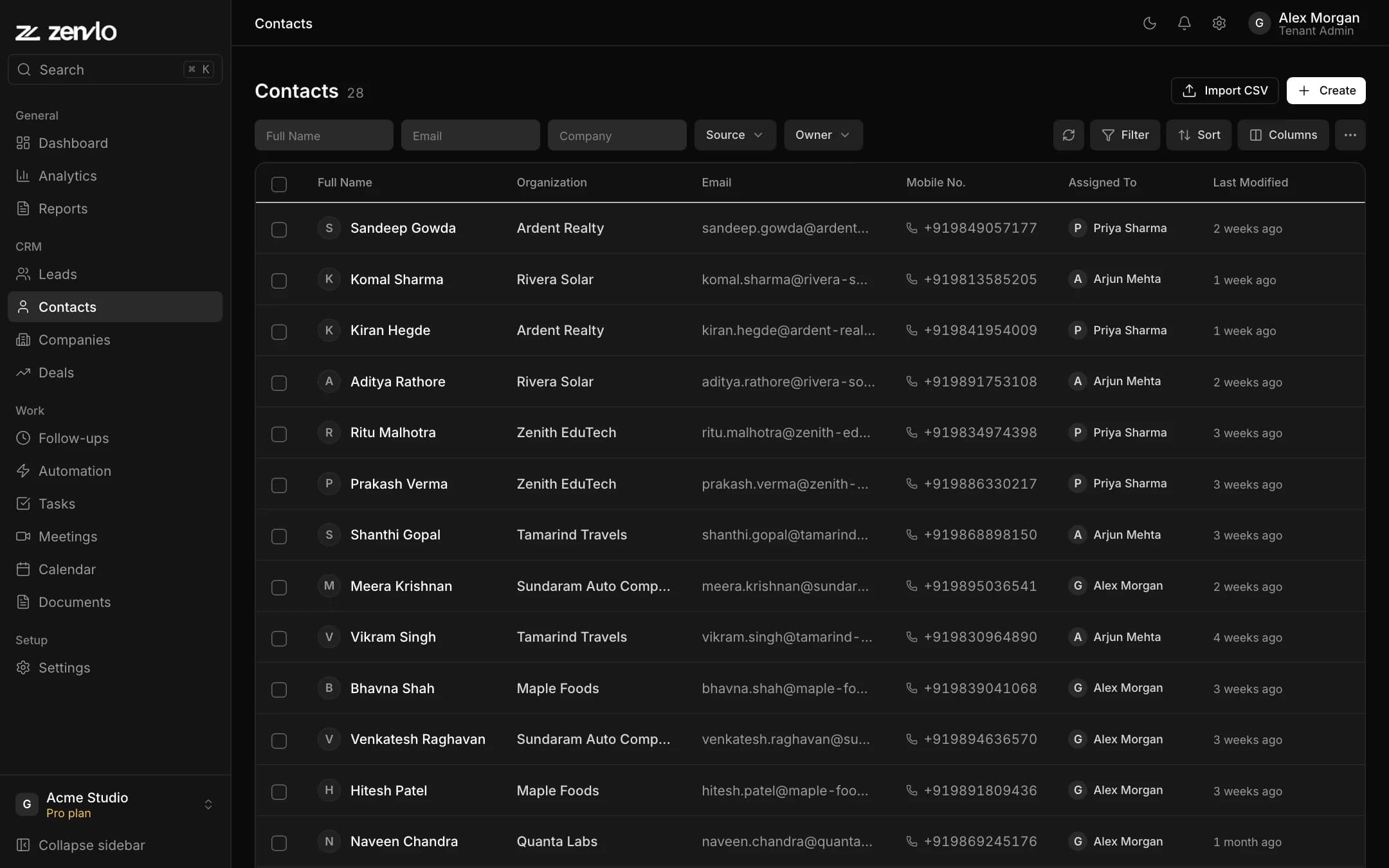
A contact is a person you do business with, often a converted lead. Open Contacts, press Create, and fill in First Name and Last Name (at least one is needed), Email, Phone Number, Job Title / Designation, Company, Contact Owner, Source and Notes.
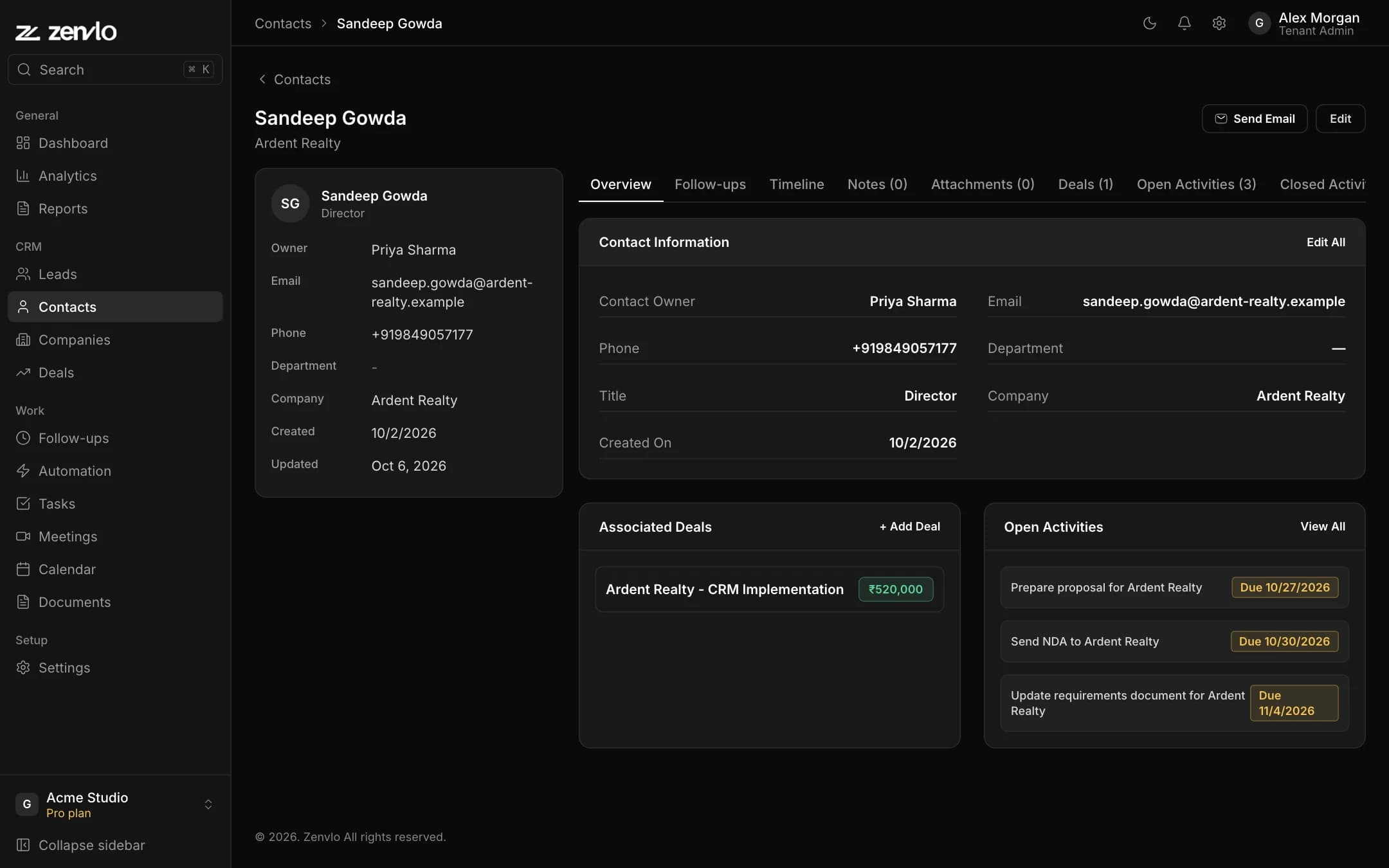
A contact page has tabs for Overview, Follow-ups, Timeline, Notes, Attachments, Deals, Open Activities, Closed Activities, Meetings and Emails. Use Send Email to write to them from the CRM (set up email first for your own address).
Companies
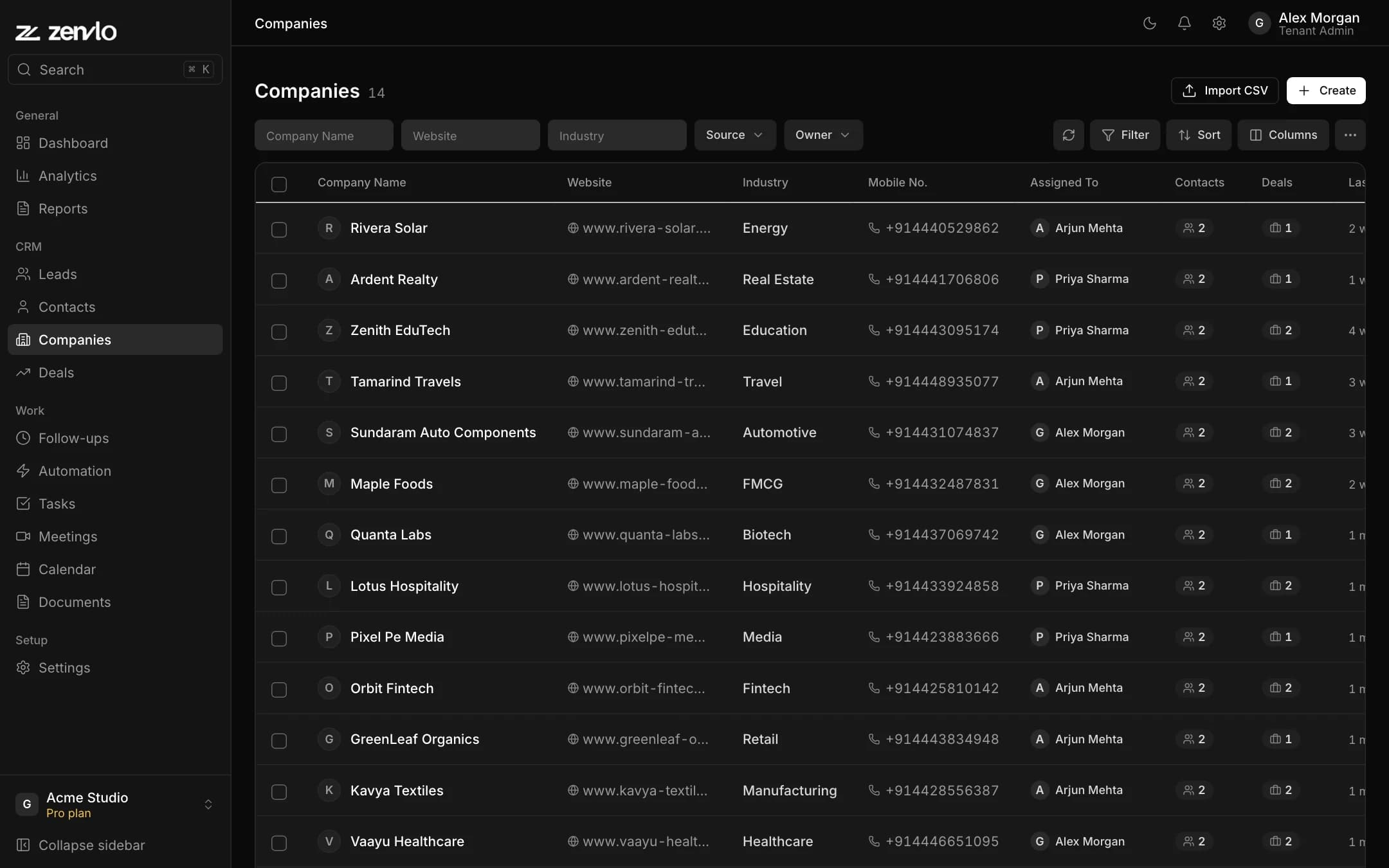
Open Companies and press Create. Fill in Company Name (required), Website, Source, Industry, Company Size, Primary Phone, Primary Email, Address, City, Country, Company Owner and Notes.
The list shows how many Contacts and Deals each company has. A company page adds Contacts, Leads and Deals tabs, so you see everything about one customer in one place.
Stuck? Talk to us and a real person will help.