Zenvlo CRM guide
Everyday tips
Small things that save time every day.
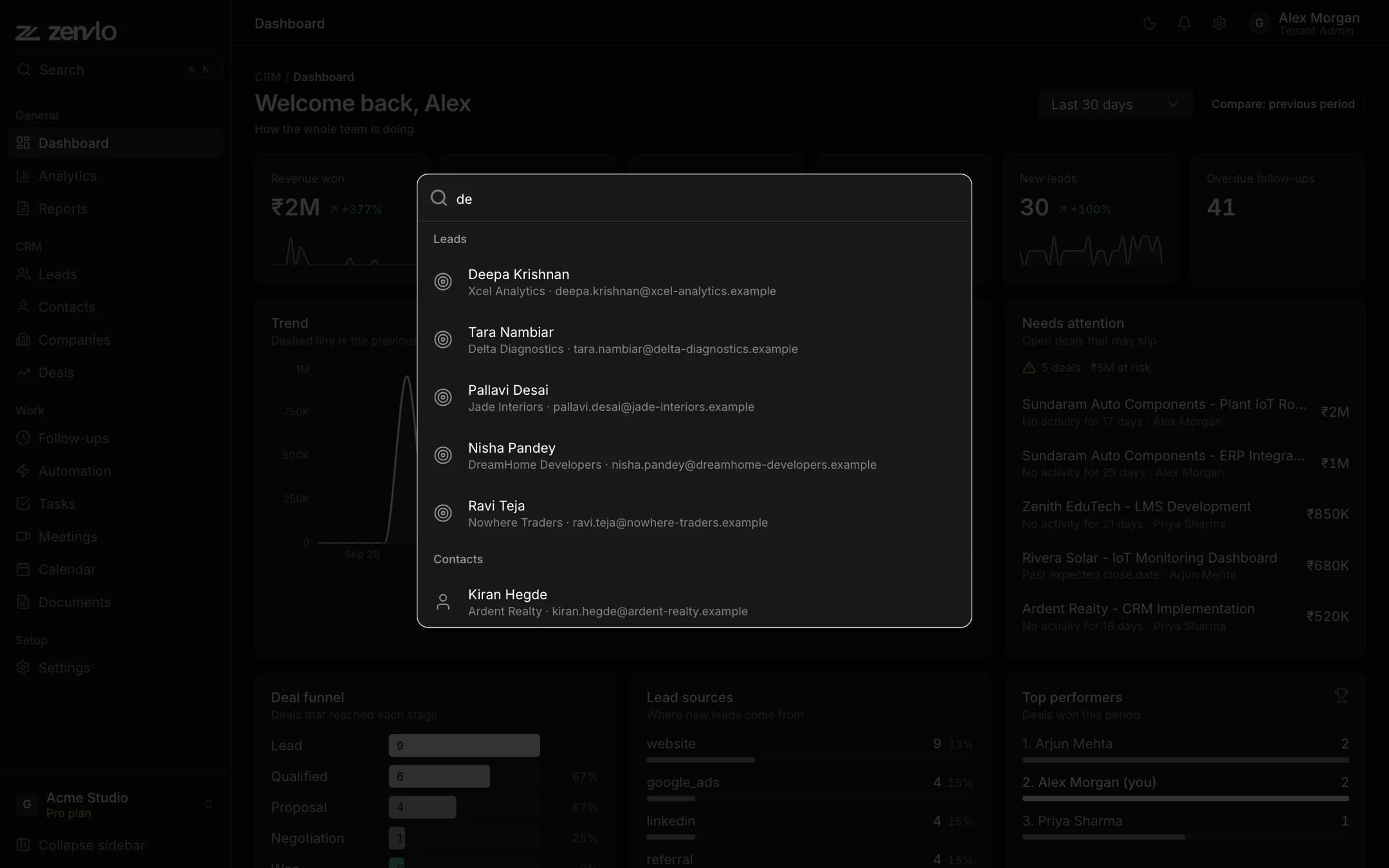
- Search everything. Press
Ctrl K(Cmd Kon Mac) and type two or more letters. You can search leads, contacts, companies, deals, tasks, meetings and follow-ups, and jump to any page. - Notifications. The bell at the top shows reminders and updates. Open Notification Center to Mark Read or Mark All Read.
- Light or dark. Use the sun or moon button at the top to choose Light, Dark or System.
- Your profile. Click your name at the top for General settings, Billing & plan and Sign out.
- Forgot your password? On the login page press Forgot Password?, enter your email, and use the link and code we send.
- Stuck? Open Settings, then Help & Support, or write to us.
Stuck? Talk to us and a real person will help.