Zenvlo CRM guide
Create your account
Sign up, verify your email and find your way around. Your 14-day free trial starts straight away.
Sign up
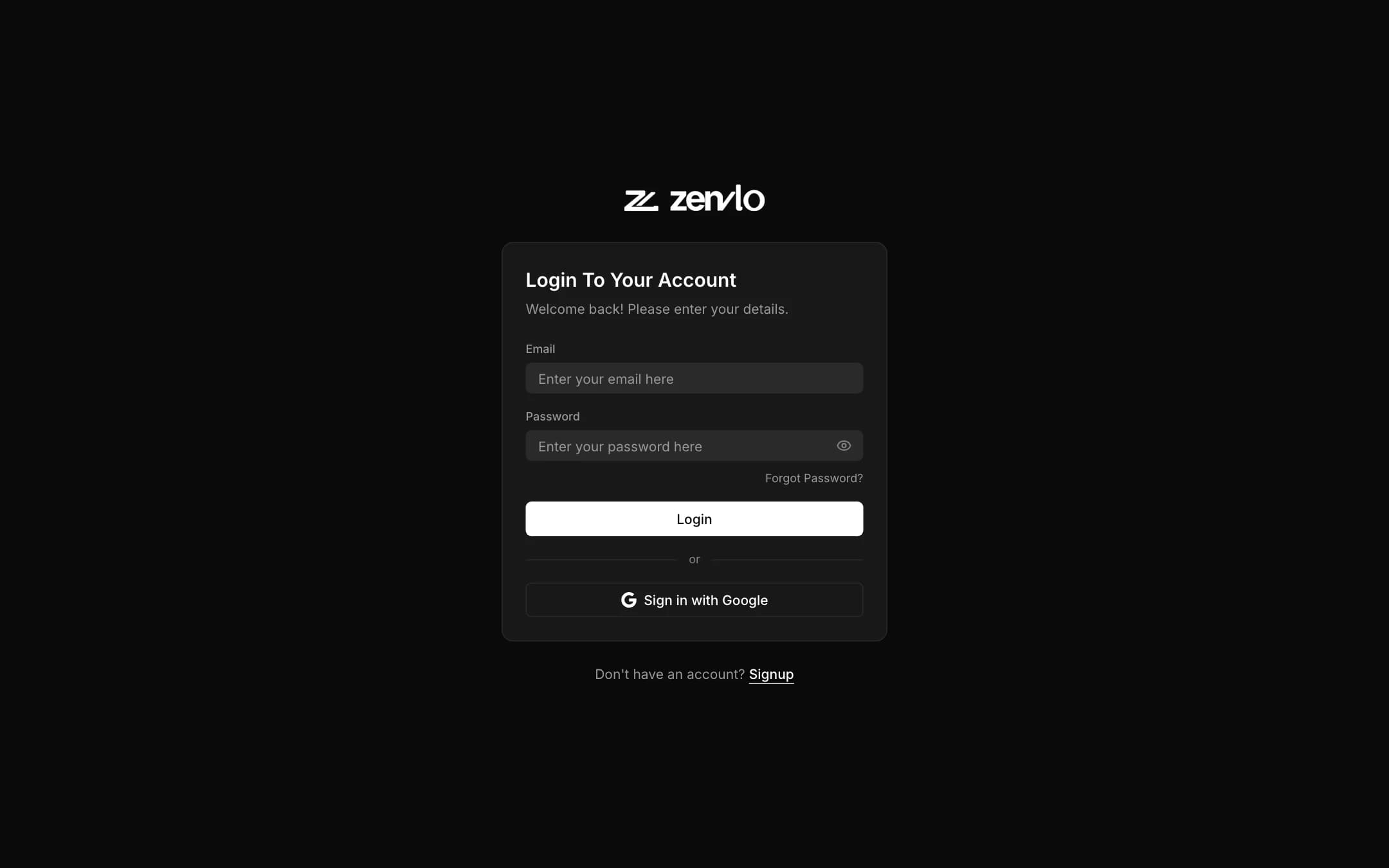
- 1Open Zenvlo CRM and choose Signup (or Sign up with Google).
- 2Fill in First name, Last name, Company name, Email and Password. The password needs at least 8 characters with one capital letter, one number and one special character from
@ $ ! % * ? &. - 3Press Create account.
- 4Open the verification link we email you. If you cannot find it, check your spam folder. You will see Verification Success!, then press Continue to Login.
- 5Log in. You land on the Dashboard.
Your free trial
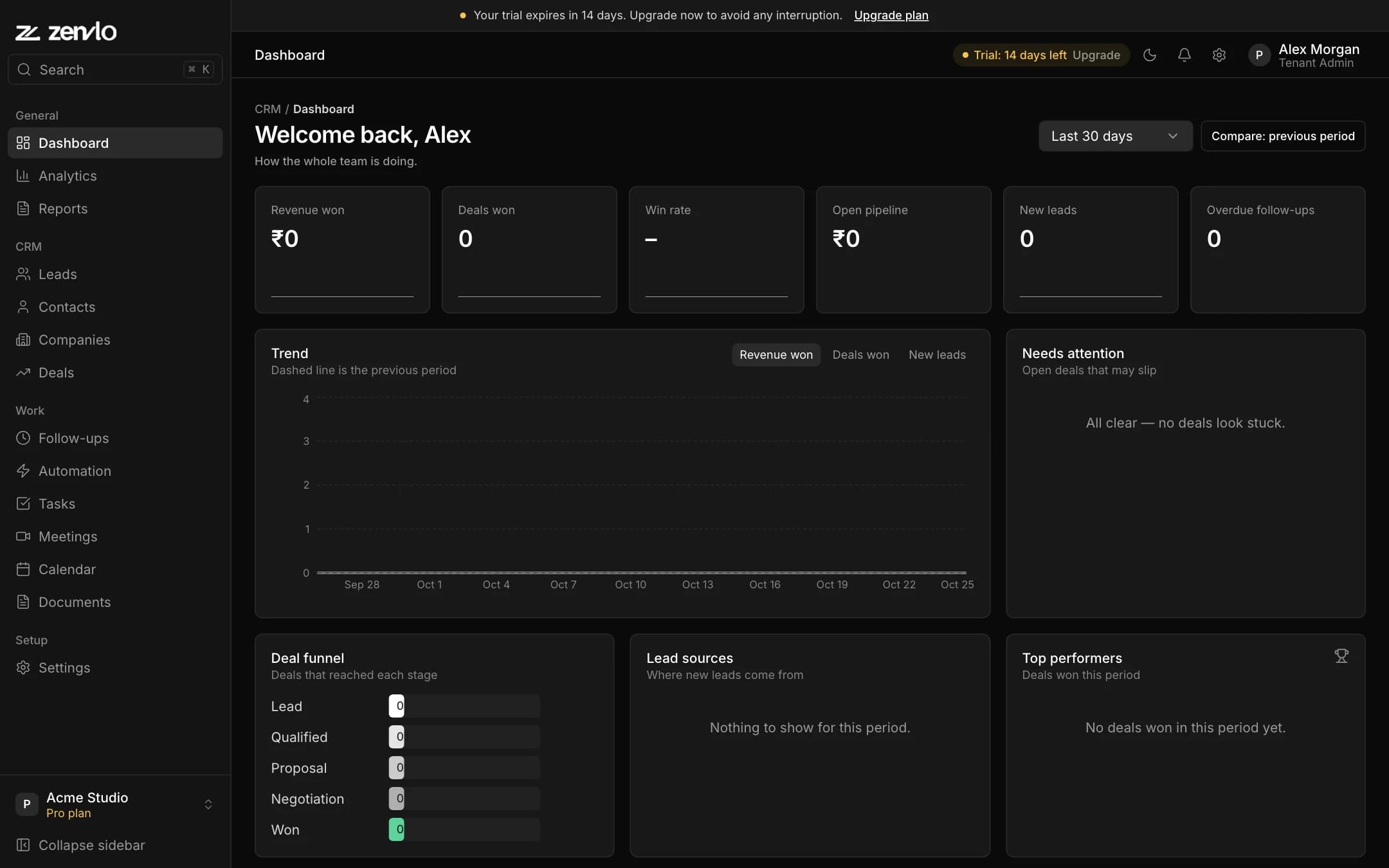
- The trial lasts 14 days on the Growth plan, so every feature is open.
- A chip at the top shows Trial: N days left with an Upgrade button.
- When it ends, your data is kept and the CRM is read-only until you pay, or choose Use the free plan if your team fits in it (1 user, 100 leads).
Find your way around
| Section | What is in it |
|---|---|
| General | Dashboard, Analytics, Reports |
| CRM | Leads, Contacts, Companies, Deals |
| Work | Follow-ups, Automation, Tasks, Meetings, Calendar, Documents |
| Setup | Settings: pipelines, lead sources, team, roles, company, email, billing |
You only see the pages your role allows and your plan includes. Press the Search box at the top of the sidebar, or Ctrl K (Cmd K on Mac), to jump to anything.
A good order to set things up
- 1
- 2
- 3Invite your team and choose their roles.
- 4
- 5
Stuck? Talk to us and a real person will help.