Zenvlo CRM guide
Team, invitations and roles
Add your people and decide who can see and change what.
Invite your team
- 1Open Settings, then Users.
- 2Press Invite by email. Enter their Email address, optionally their name, and choose a Role.
- 3Press Send invitation.
- 4They open the link, set their name and password, and see You’re in!.
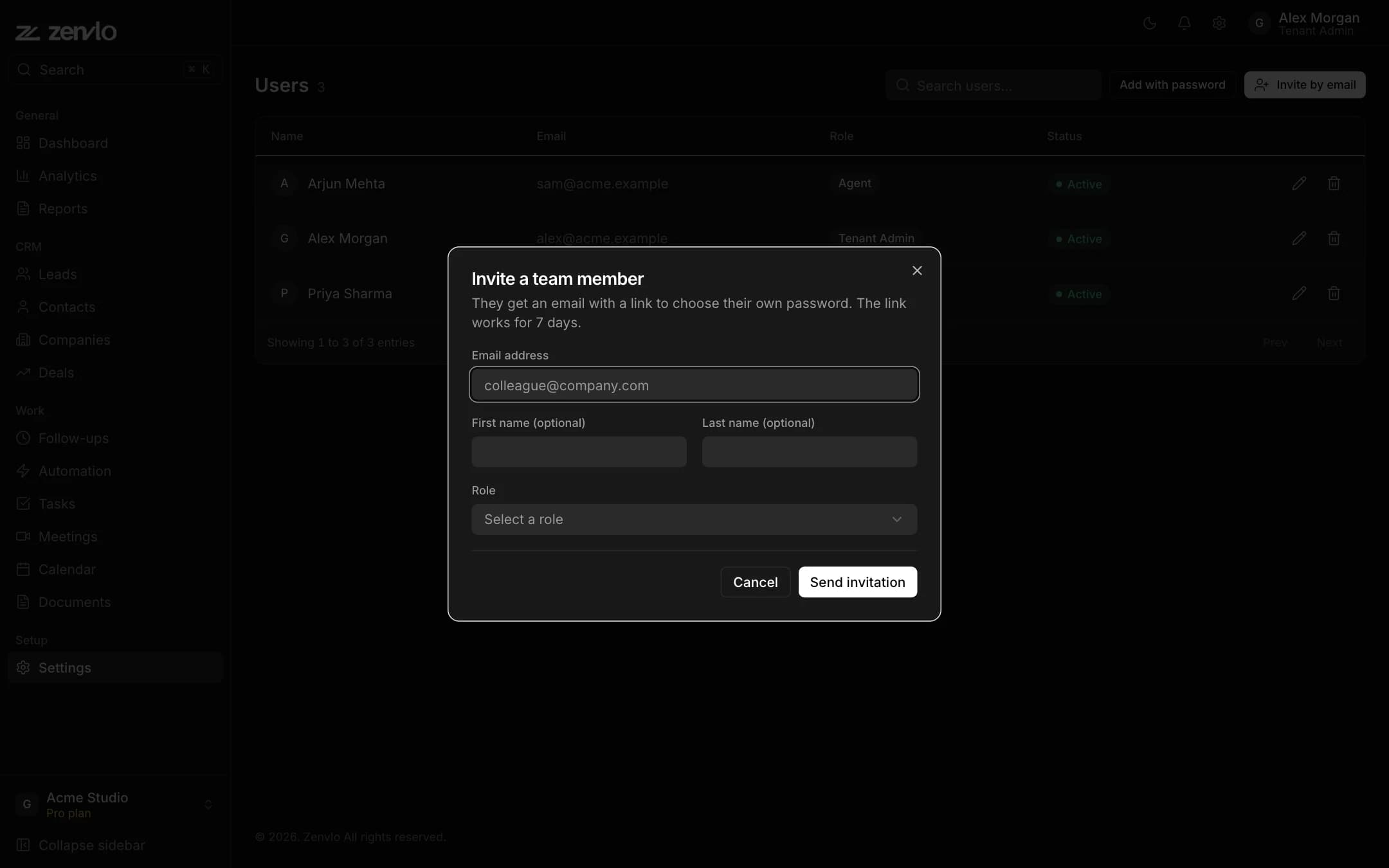
- The link works once for 7 days.
- If the email cannot be sent, copy the link with Copy link and send it yourself.
- Under Invitations waiting for an answer you can Resend or Cancel.
- Prefer to set the password for them? Use Add with password.
On each row you can switch a person off, Edit User or Remove User.
Roles and permissions
Open Roles for Roles & Permissions. Press Add New Role, name it, and tick read, write and delete for each area: dashboard, contacts, companies, deals, tasks, meetings, follow-ups, calendar, documents, reports, analytics, pipelines, lead sources, custom fields, automation, users and settings.
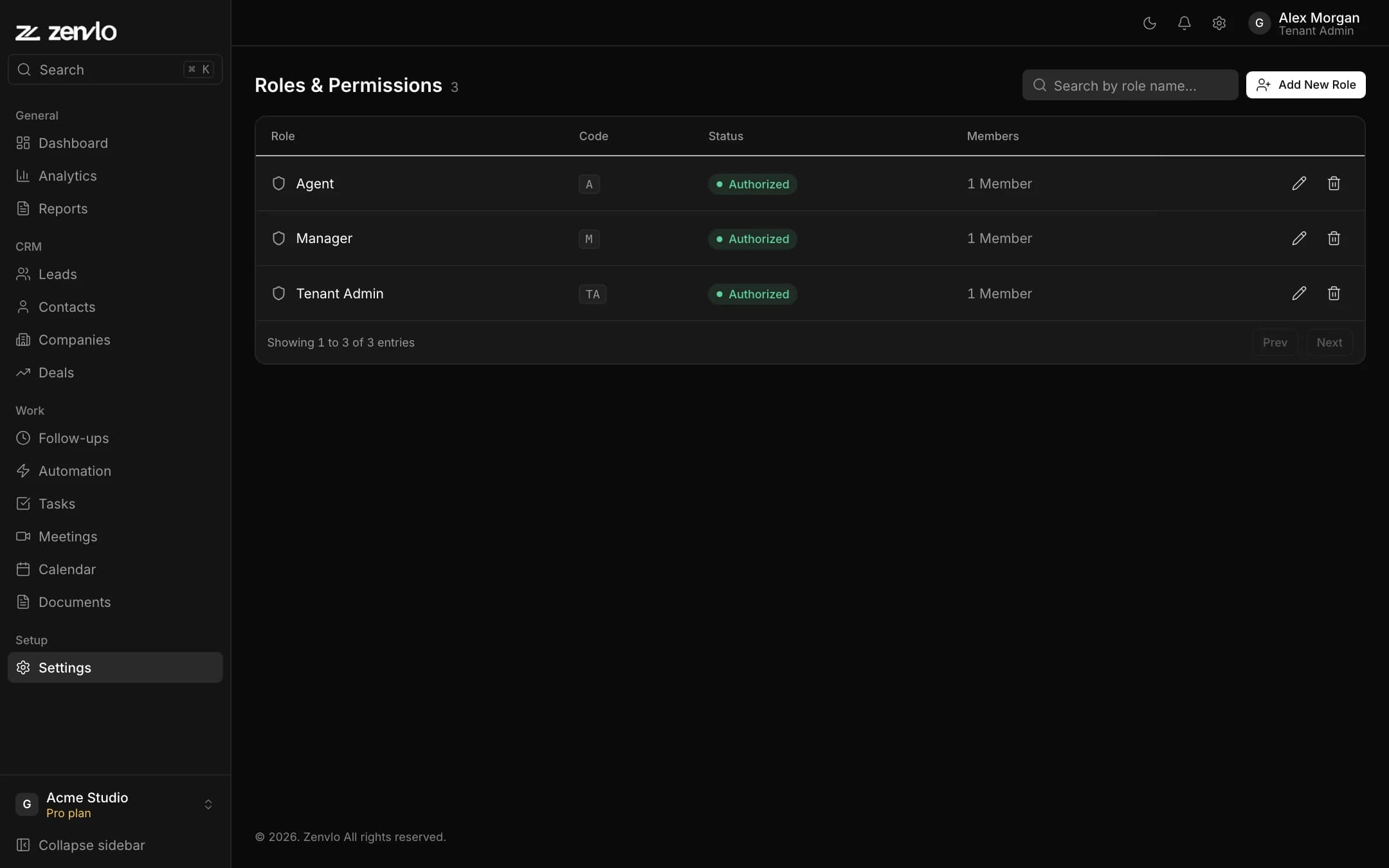
The built-in roles cannot be deleted. Every change is recorded in your audit trail.
Stuck? Talk to us and a real person will help.